Listmonk Newsletter Integration
Send newsletters to your subscribers by composing an email in neomd. Address it to a virtual trigger address (e.g. listmonk@ssp.sh), and neomd creates a Listmonk campaign via API instead of sending via SMTP. Inspired by HEY World.
How it works
- Compose an email as usual (
c) - Set the To field to a configured trigger address (e.g.
listmonk-newsletter@ssp.sh) - Write your newsletter in Markdown — it becomes the campaign body
- The pre-send screen shows “Newsletter via Listmonk” with the target list IDs and schedule delay
- Press
enter— neomd creates a campaign in Listmonk and schedules it
The campaign is created as a draft, then immediately set to scheduled status. Listmonk handles the actual delivery to your subscribers (via Amazon SES or whatever messenger you configured).
Configuration
Add a [listmonk] section to your config.toml:
[listmonk]
url = "https://list.ssp.sh"
api_user = "sspaeti-api"
api_token = "${LISTMONK_API_TOKEN}"
delay_minutes = 30

[[listmonk.triggers]]
address = "listmonk-newsletter@ssp.sh"
list_ids = [2]

[[listmonk.triggers]]
address = "listmonk-book@ssp.sh"
list_ids = [4]
template_id = 5  # optional: override default template (e.g. "Book Update Template")

[[listmonk.triggers]]
address = "listmonk@ssp.sh"
list_ids = [2, 4] # send to all lists| Field | Description |
|---|---|
url | Base URL of your Listmonk instance |
api_user | API username for HTTP Basic Auth |
api_token | API token (supports $ENV expansion) |
delay_minutes | Minutes to delay before campaign sends (default 30) |
Per-trigger fields:
| Field | Description |
|---|---|
address | Virtual email address that fires this trigger |
list_ids | One or more Listmonk list IDs to send to |
template_id | (optional) Listmonk template ID — when set, overrides the Listmonk default template for campaigns created from this trigger. Omit (or set to 0) to use Listmonk’s default. |
Per-list templates
Each trigger can pin its own Listmonk template. For example, if you have a generic “Newsletter Template” set as the Listmonk default (ID 4) and a “Book Update Template” (ID 5) you only want to use for book announcements, set template_id = 5 on the listmonk-book trigger and leave the others untouched — they fall back to the Listmonk default. Look up template IDs via the API:
curl -u "admin:token" https://list.ssp.sh/api/templates | jq '.data[] | {id, name, is_default}'Trigger addresses
Each [[listmonk.triggers]] entry maps a virtual email address to one or more Listmonk list IDs. You can configure multiple triggers to target different lists:
listmonk-newsletter@ssp.sh→ sends to your newsletter list onlylistmonk-book@ssp.sh→ sends to your book subscribers onlylistmonk@ssp.sh→ sends to both lists at once
The trigger address doesn’t need to be a real mailbox — neomd intercepts it before any SMTP delivery.
Getting your list IDs
List IDs are visible in the Listmonk admin UI, or via the API:
curl -u "admin:token" https://list.ssp.sh/api/lists | jq '.data.results[] | {id, name}'Pre-send screen
When the To address matches a trigger, the pre-send review changes:
- Header shows “Newsletter via Listmonk” instead of “Ready to send”
- Displays the target list IDs, template ID (if overridden), and schedule delay
- Help bar shows
enter schedule campaigninstead ofenter send
How it looks
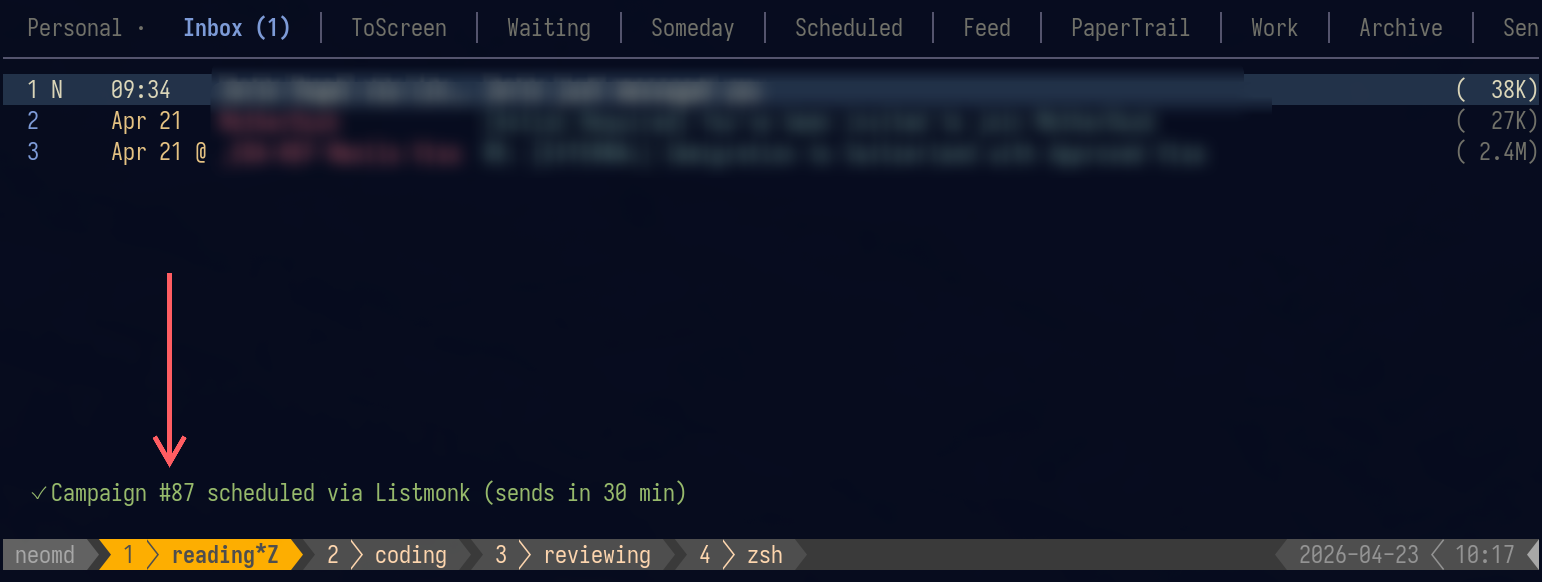
When sent in neomd:
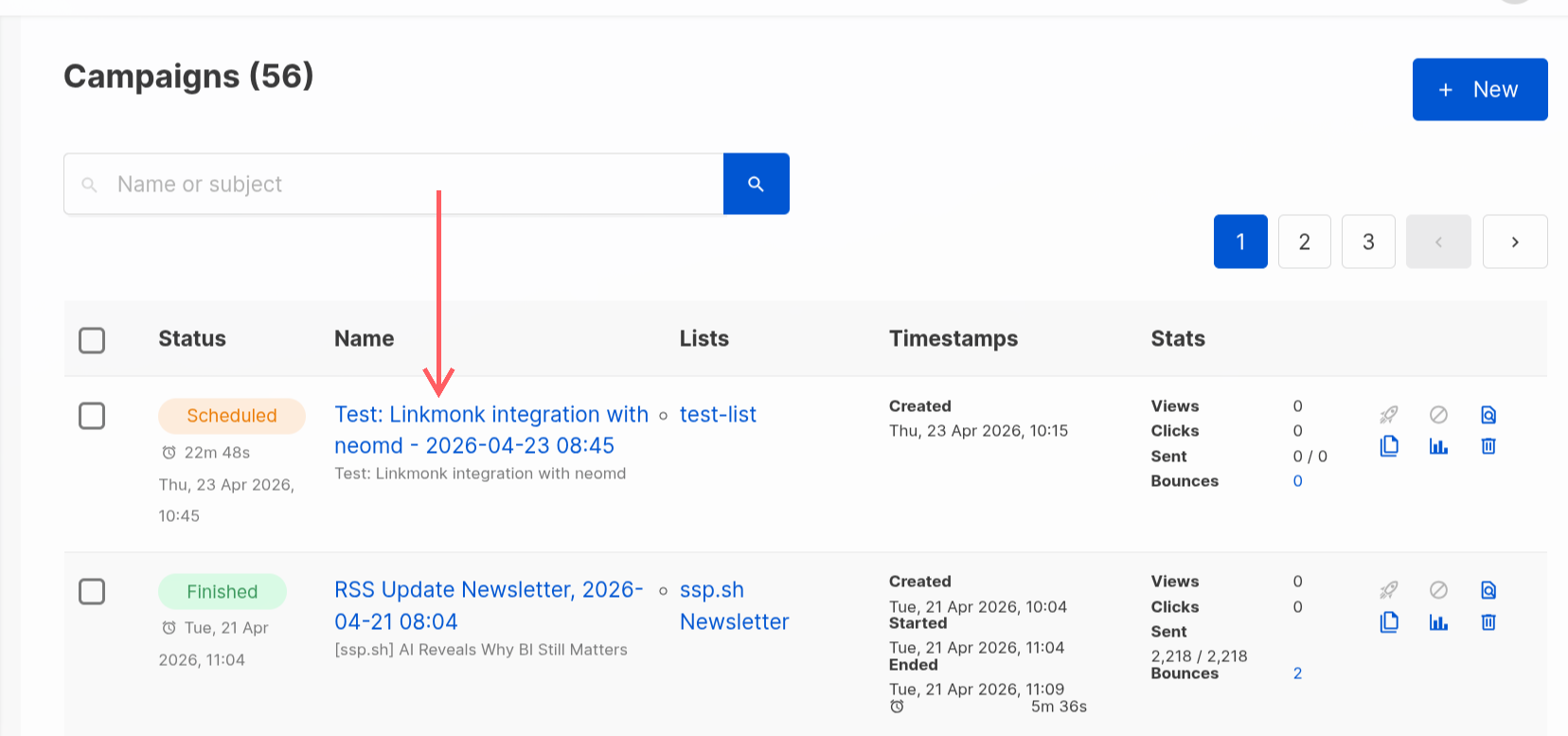
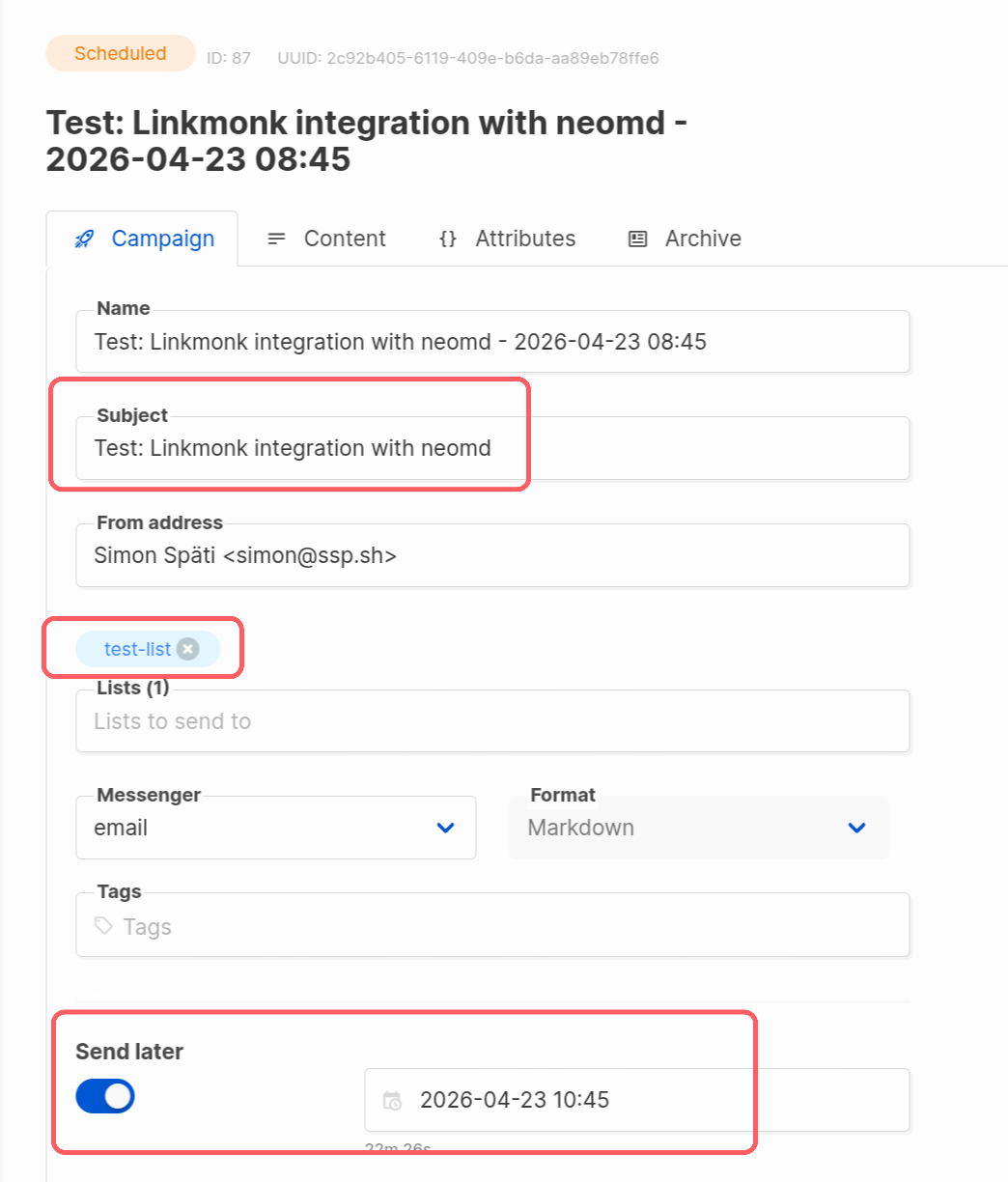
And in Listmonk itself:
Content
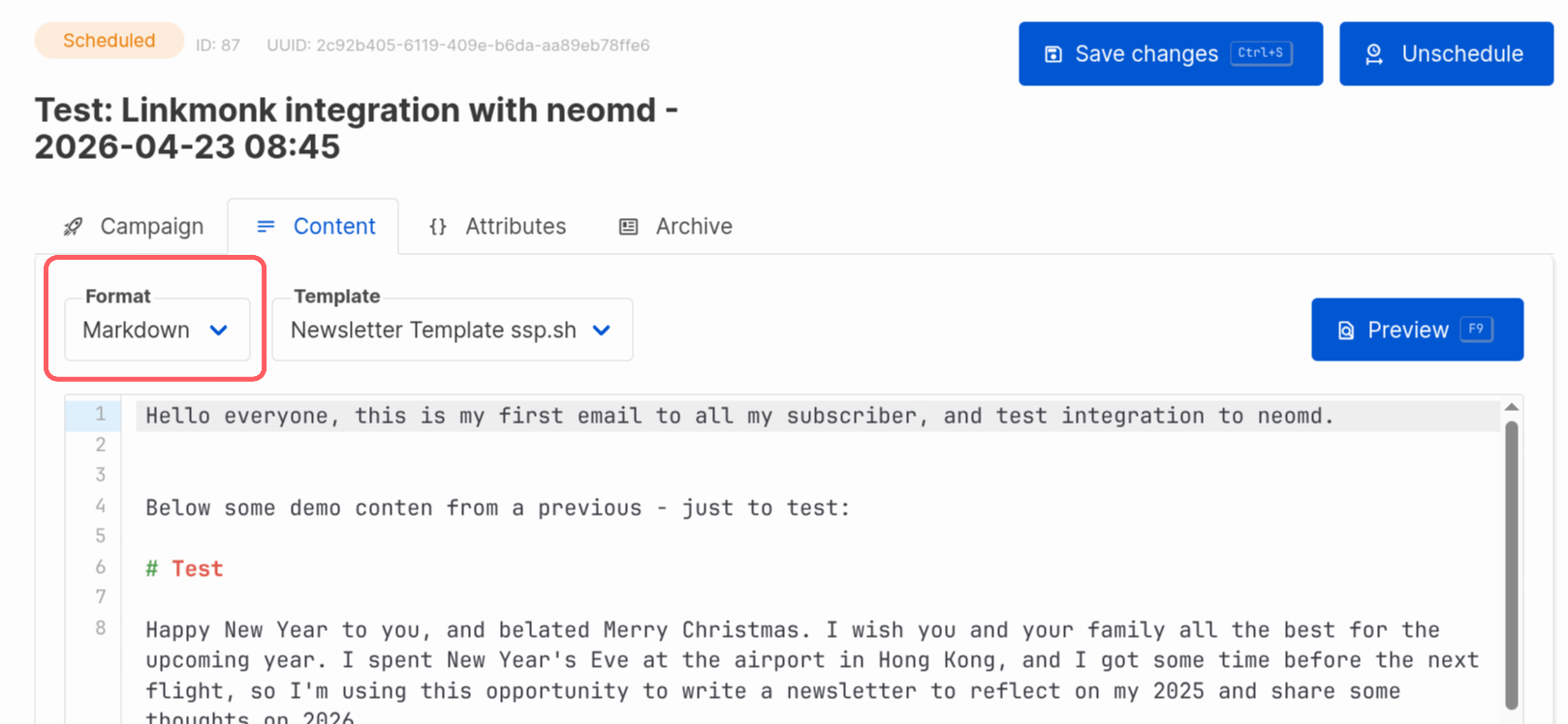
The email body (Markdown) is sent as-is with content_type: "markdown" — Listmonk converts it to HTML using its own template engine. The compose subject becomes the campaign subject.
API details
neomd uses two Listmonk API calls:
POST /api/campaigns— creates campaign in DRAFT status withsend_atset to now +delay_minutes; includestemplate_idonly when the matching trigger sets a non-zero override (otherwise Listmonk applies its default template)PUT /api/campaigns/{id}/status— sets status toscheduled
Authentication is HTTP Basic Auth. The campaign name is auto-generated as "{subject} - {timestamp}".